Features
Catcher Throw Chart
A Catcher Throw Chart has been added showing ball location relative to the base. Users can view data for balls thrown to 1st, 2nd, or 3rd.
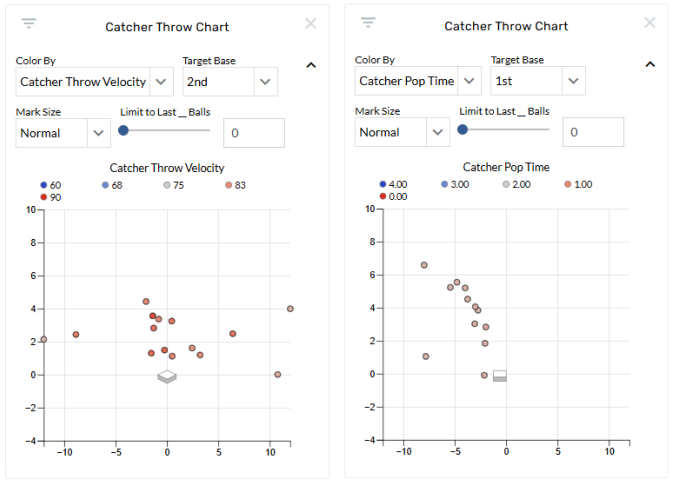
Two new color by options have added: Catcher Throw Velocity and Catcher Pop Time. A new graphic set has also been added to Catching pages called Catcher Throws.
Enhancements
Zoom added to Video Player
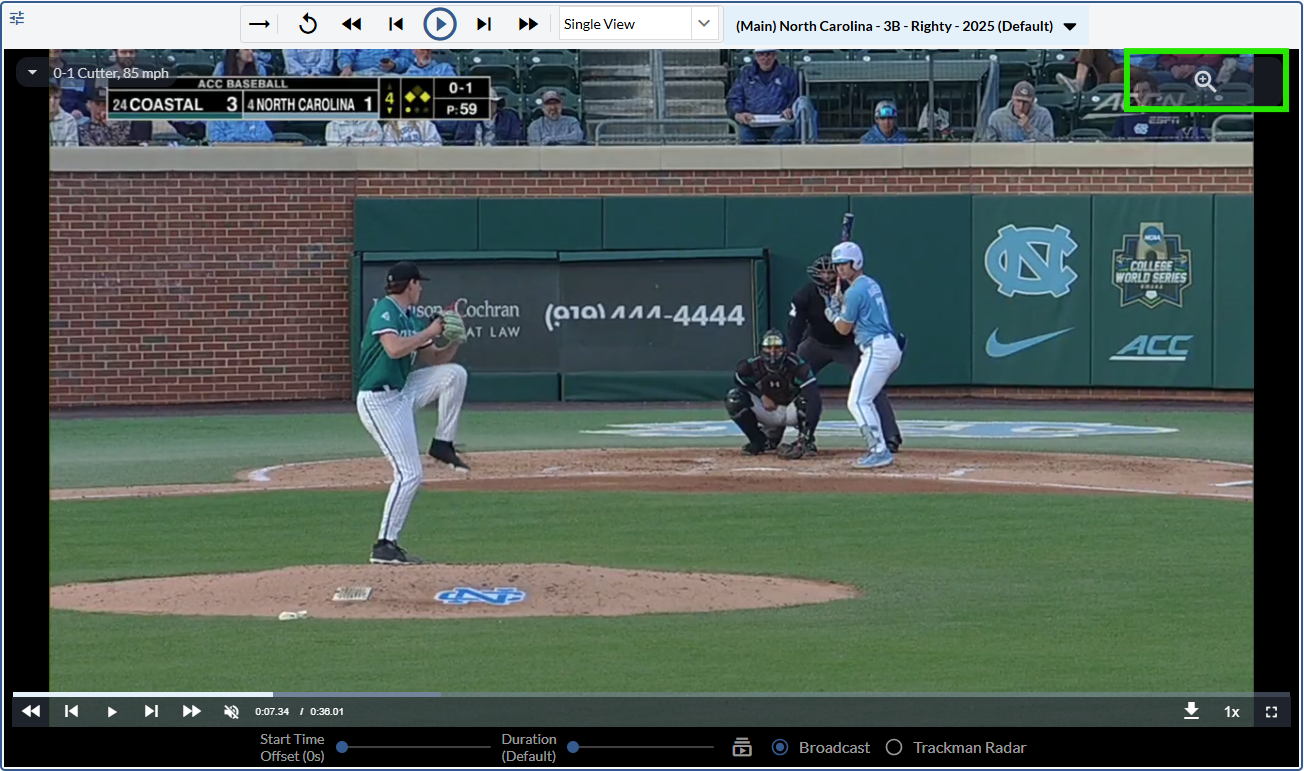
Users can now zoom and drag video in the Event Explorer. To activate the functionality, click on the magnifying glass in the top right corner of the video.
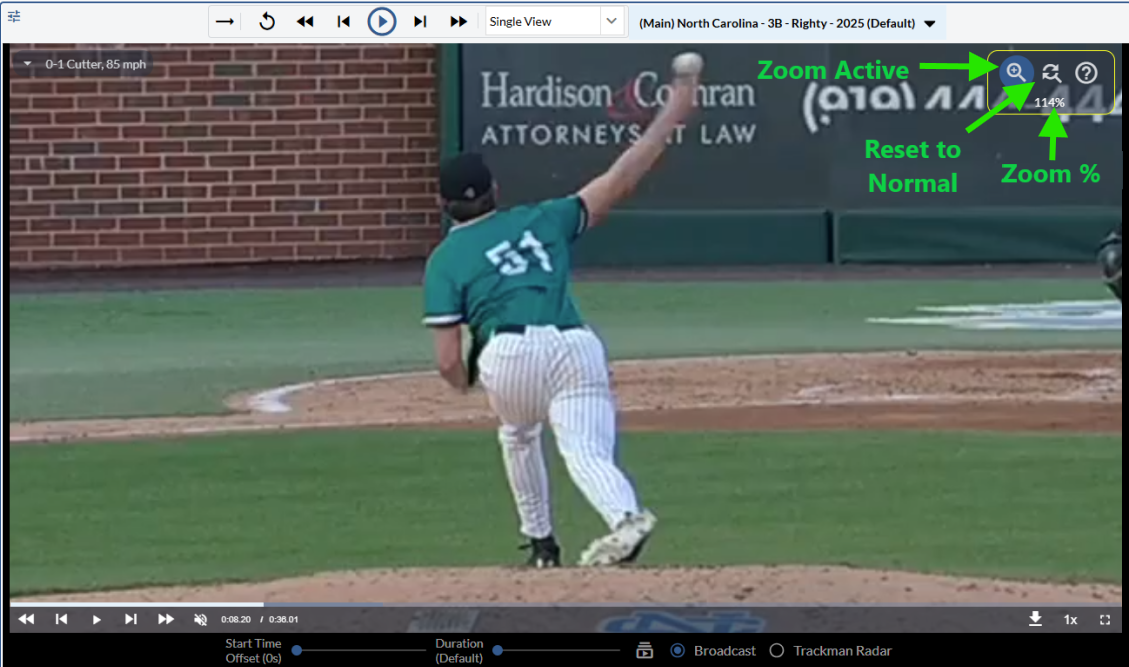
Once enabled, zoom can be achieved using the mouse wheel or trackpad. To drag the video, click and hold the video and move to the desired location.
The magnifying glass will be blue when active and will display a zoom percentage when zoomed in or out. To reset the video to normal zoom and position, click the reset button in the top right corner of the video.
Copy Table to Clipboard
Users can now copy tables to paste into Excel, Numbers, and Google Sheets using a new copy icon available in the top right of tables.
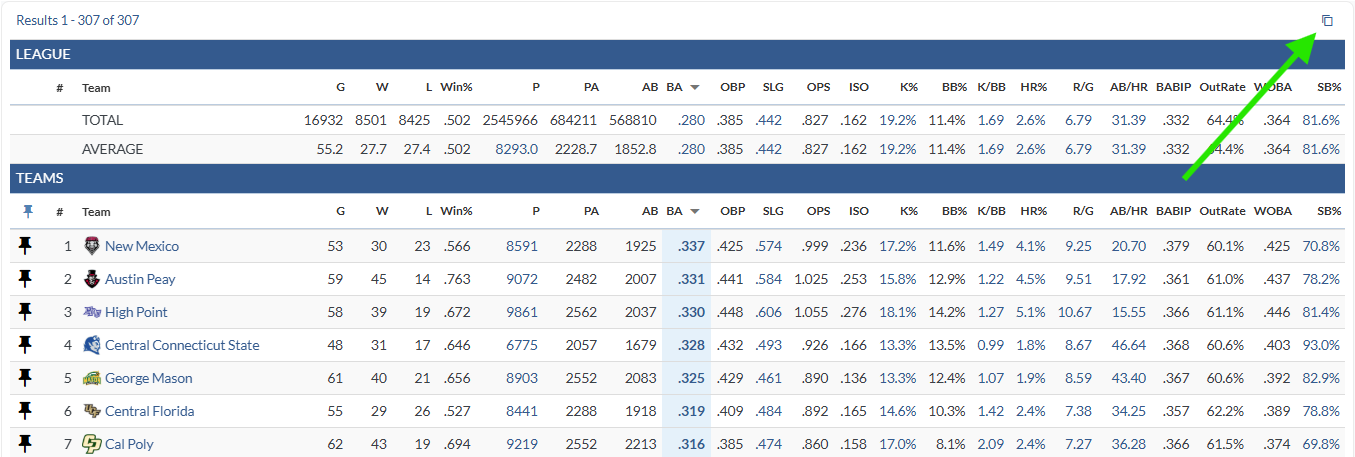
The copied data is currently limited to the main table and does not include total or calculation rows. Please let us know if those rows would have value to you and your organization.
The button is hidden when printing a page and is not available on custom pages tables at this time.
Split by timespans other than component timespan on Custom Pages tables
On Post Game custom pages split tables, users can now include split rows using a timespan other than the component timespan. This allows users to set the component to “This Game” while also showing season data for a player or team.

Defensive Efficiency and Speed Score native reports added
Native Dynamic Playlist Custom Pages added
Opposing Hitter Dynamic Playlists
Opposing Pitcher Dynamic Playlists
Catchers Dynamic Playlists
Bug Fixes
Fixed a bug where conditional formatting was broken for “This Game” timespan option