Common Settings
-
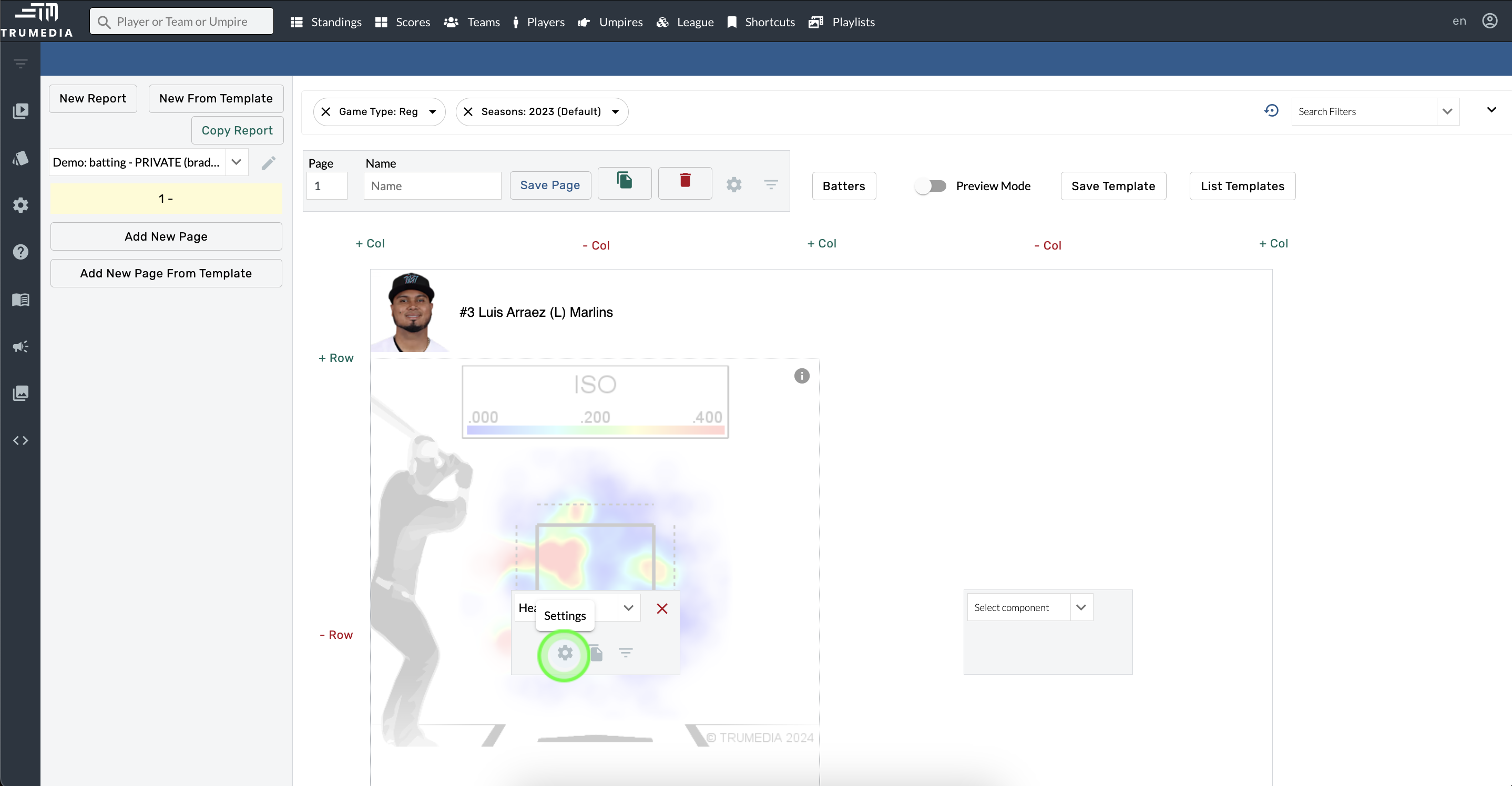
Hover over a component.
-
Open Component Settings.
-
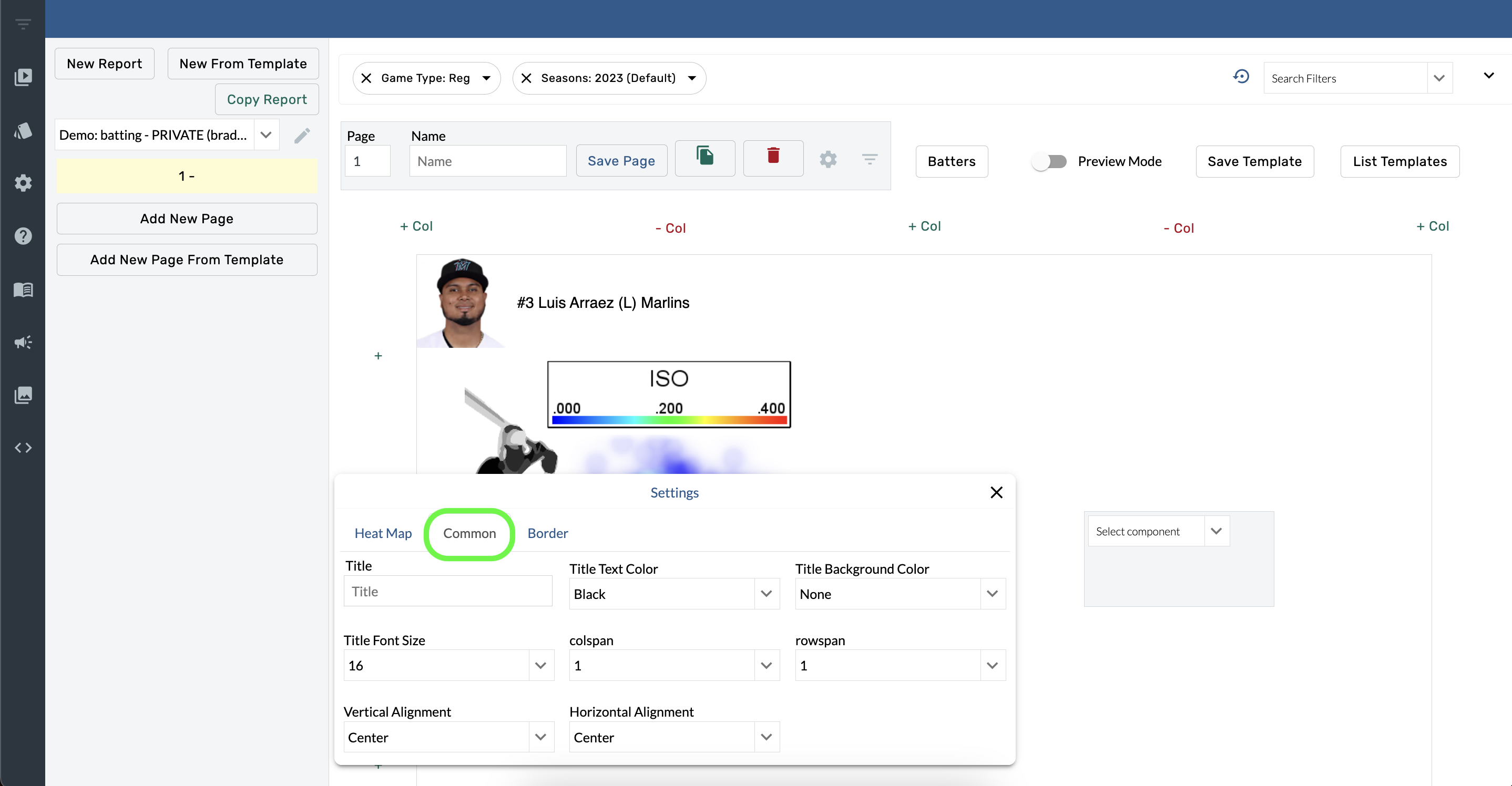
Select Common.
Title
-
Hover over a component.
-
Open Component Settings.
-
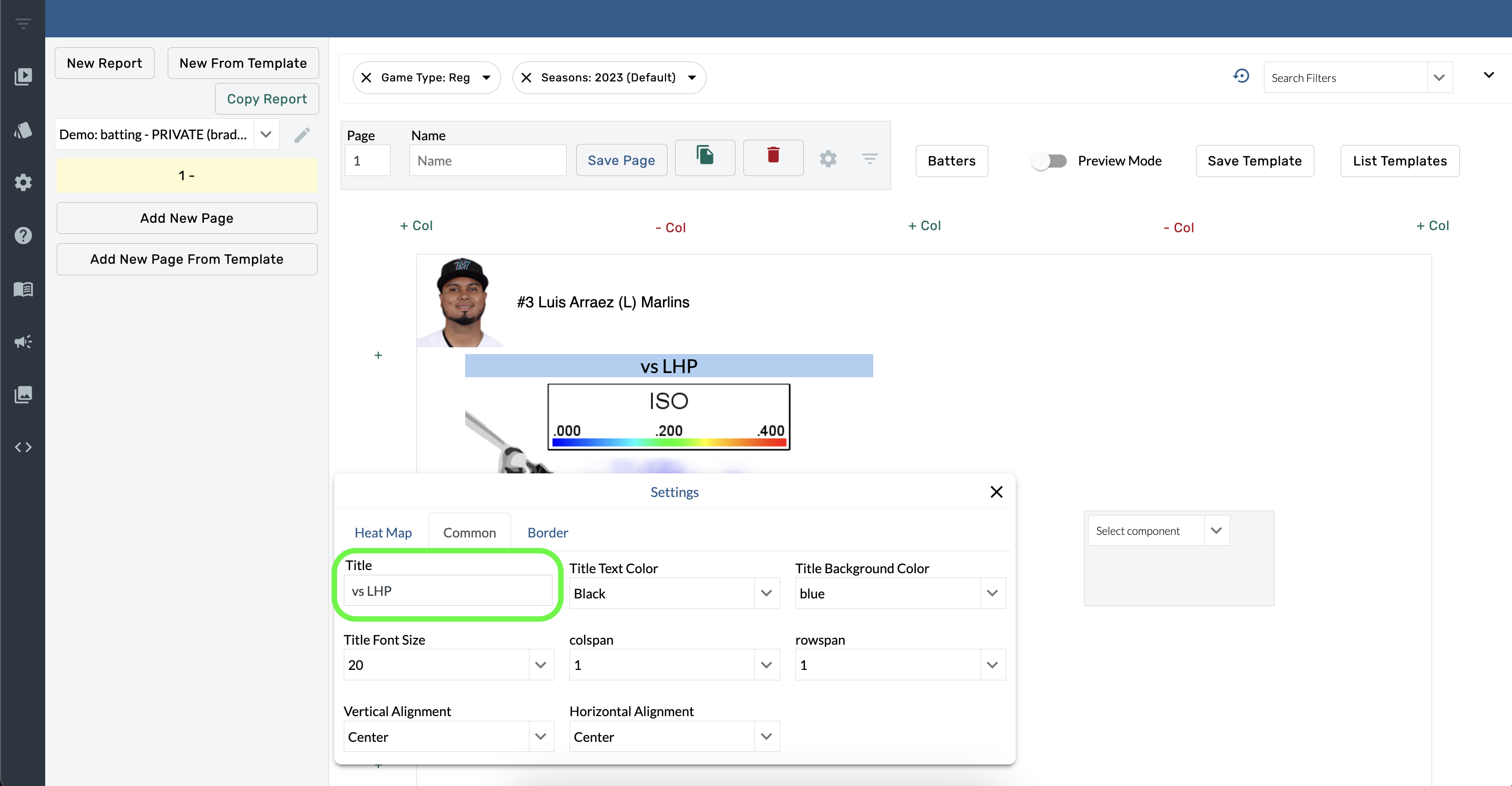
Type into the Title box.
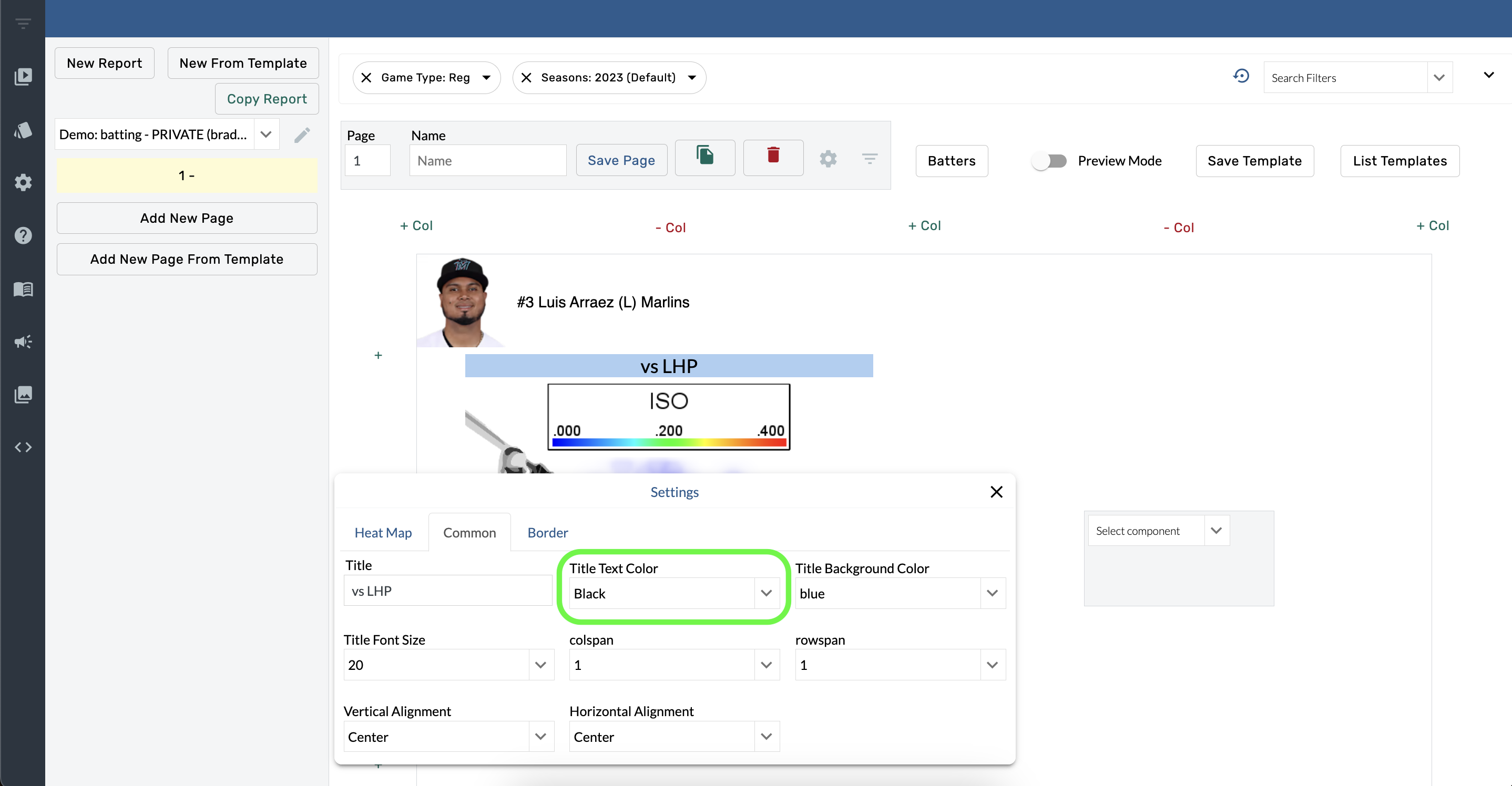
Title Text Color
-
Hover over a component.
-
Open Component Settings.
-
Select a color from the Title Text Color menu.
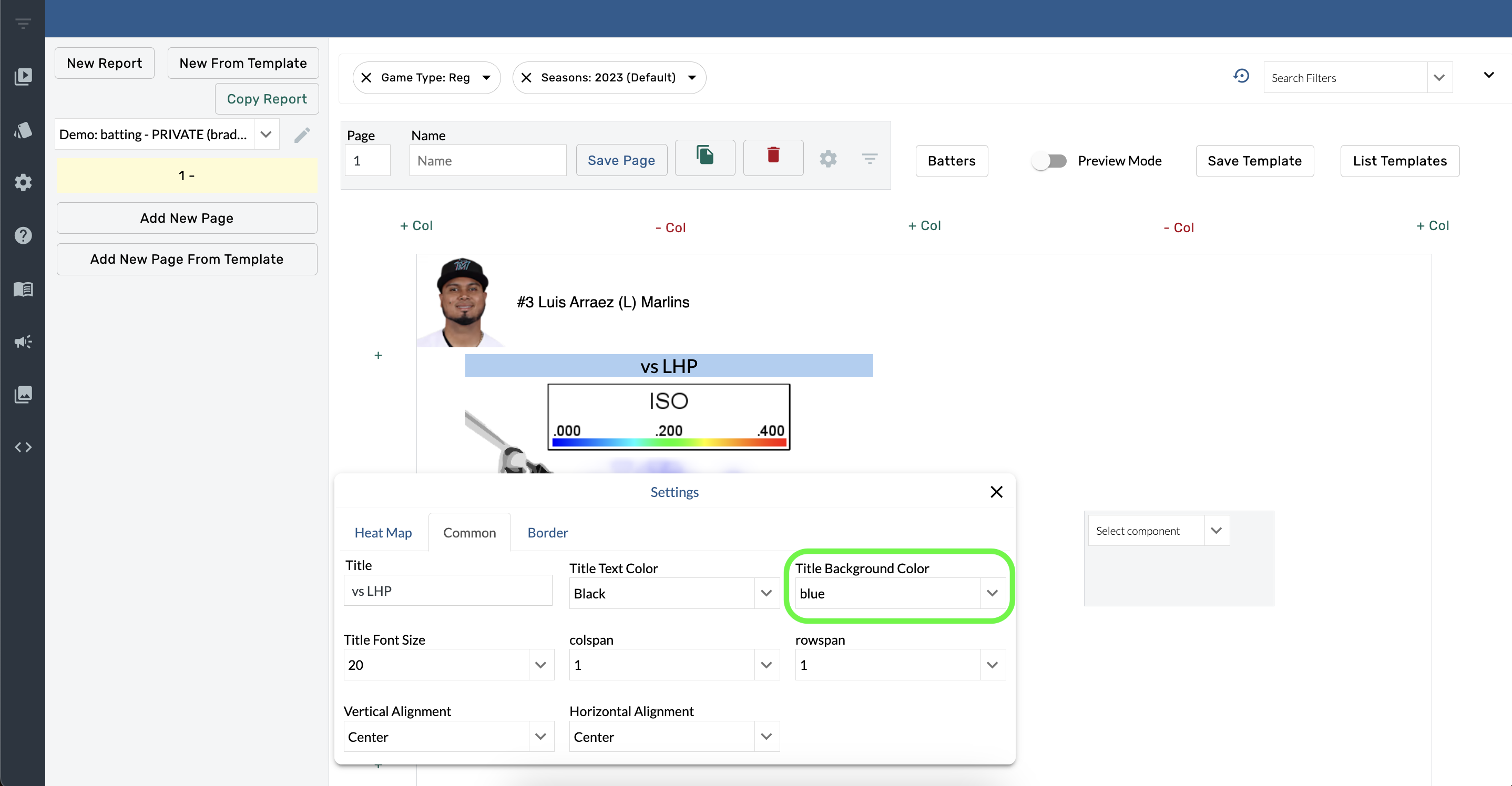
Title Background color
-
Hover over a component
-
Open Component Settings.
-
Select a color from the Title Background Color menu.
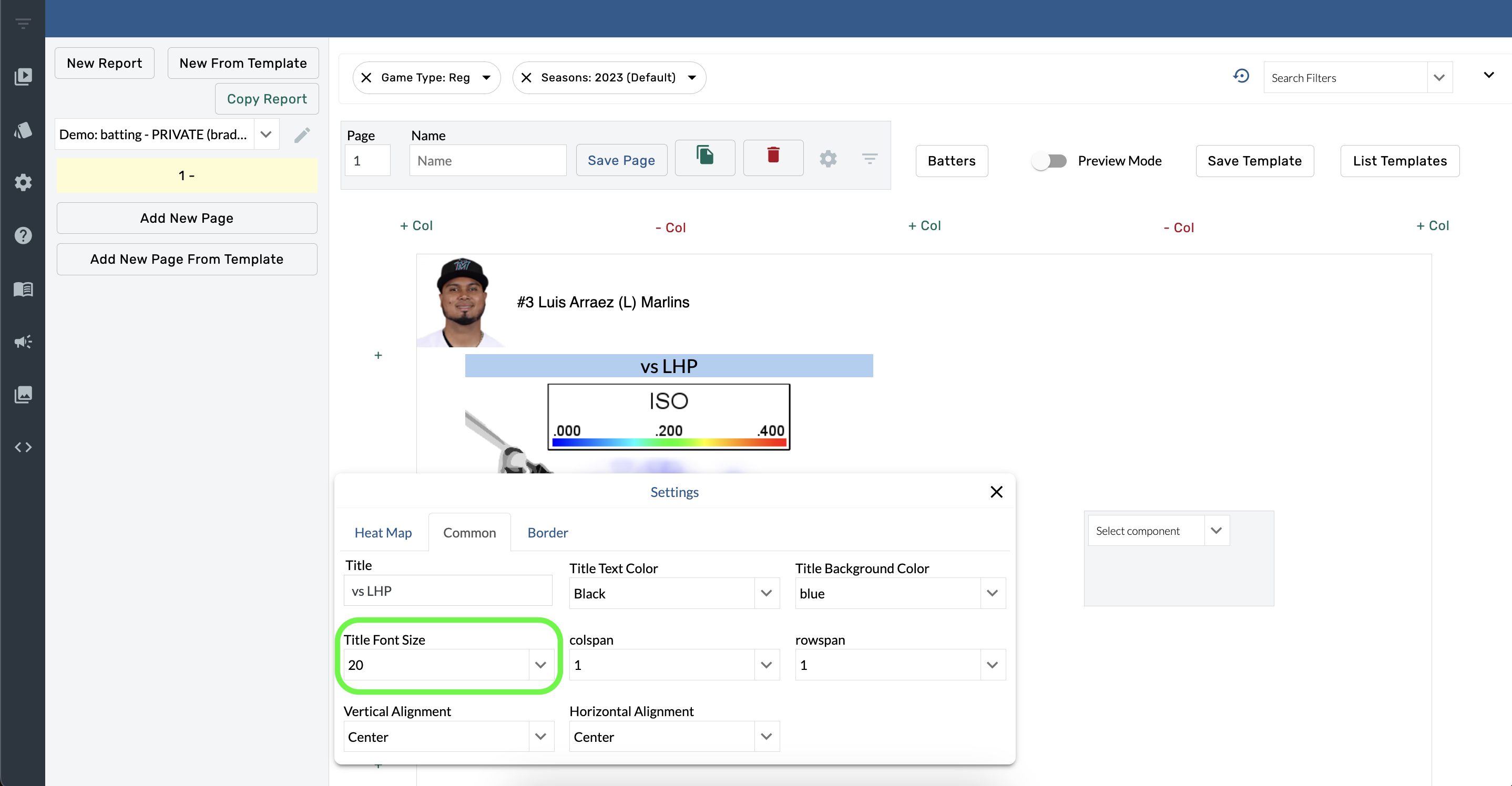
Title Font Size
-
Hover over a component
-
Open Component Settings.
-
Select an option from the Title Font Size menu.
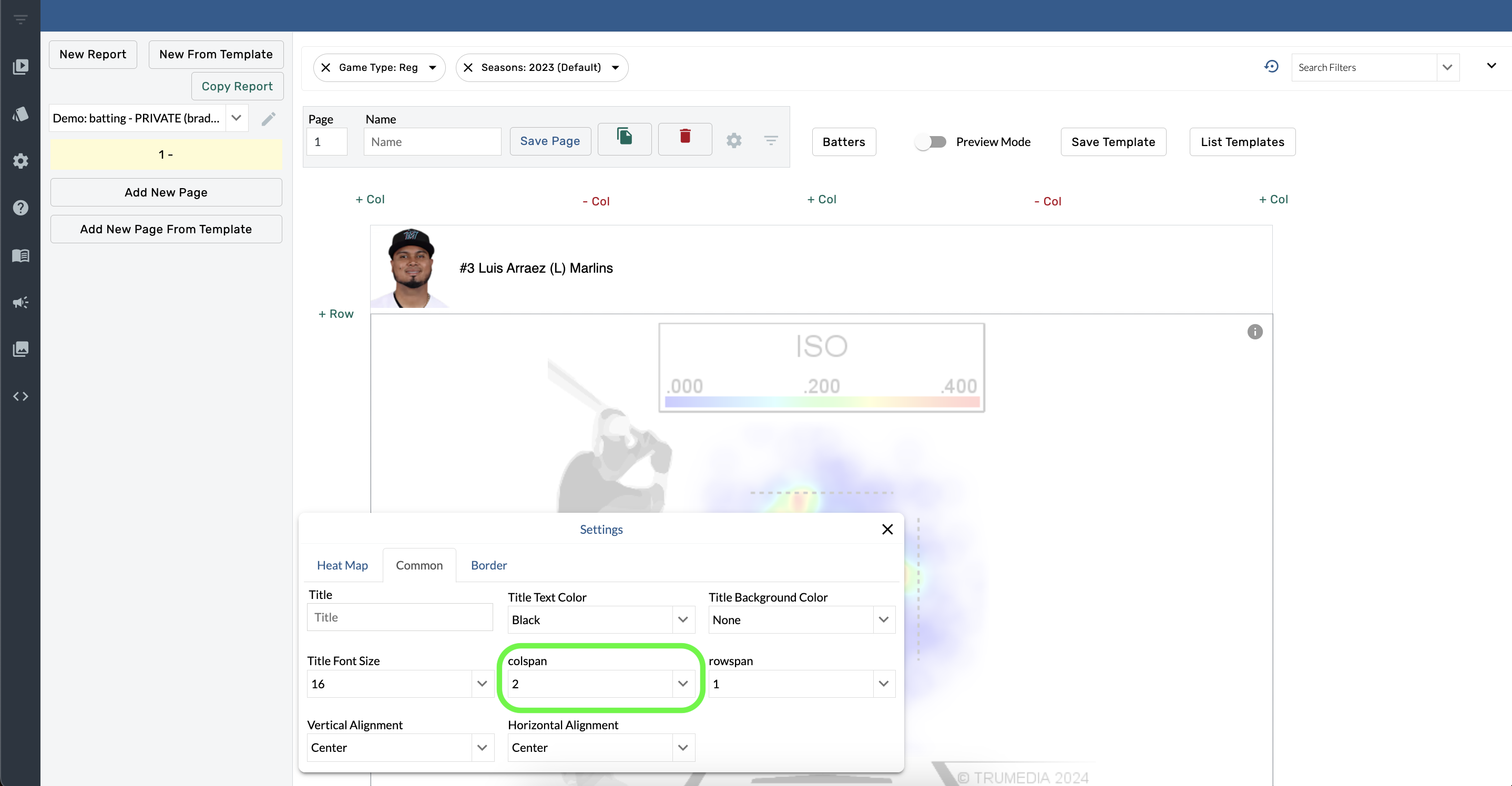
Colspan
-
Hover over a component.
-
Open Component Settings.
-
Select an option from the Colspan menu.
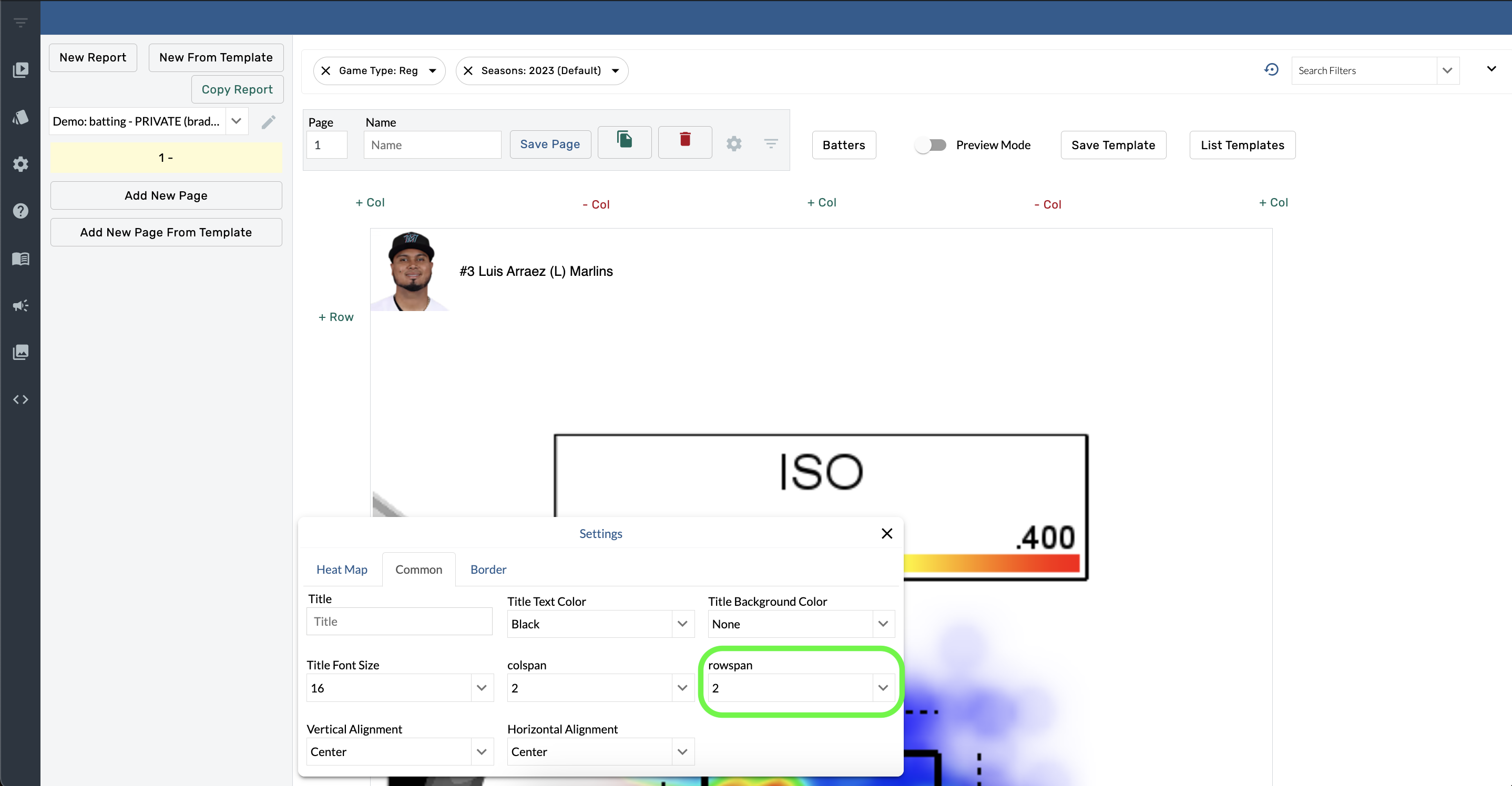
Rowspan
-
Hover over a component
-
Select Component Settings.
-
Open the Rowspan menu and choose an option.
Alignment
-
Hover over a component.
-
Select Component Settings.
-
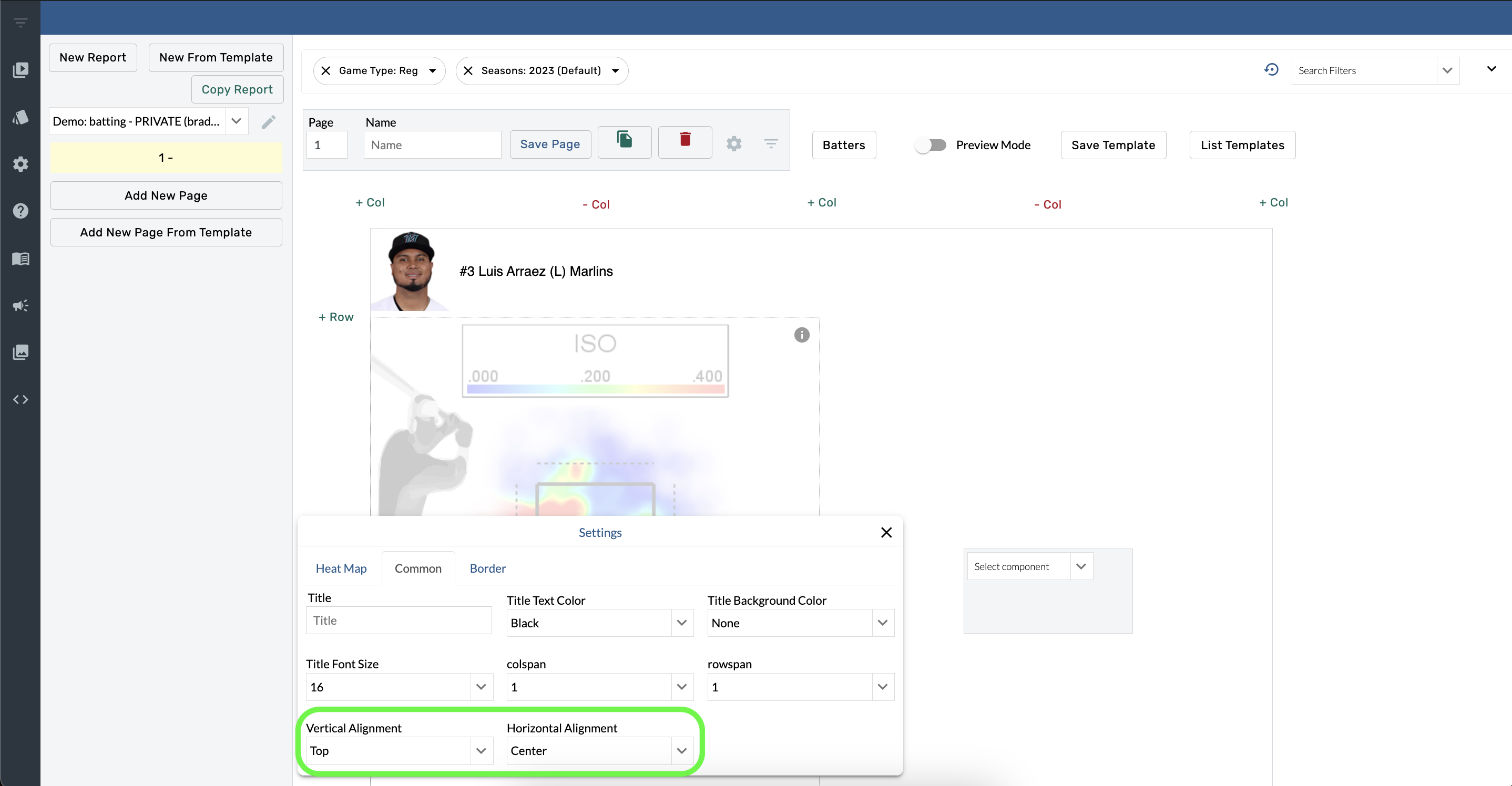
Open the Vertical Alignment menu and choose an option.
-
Open the Horizontal Alignment menu and choose an option.
Border Settings
-
Hover over a component.
-
Select Component Settings.
-
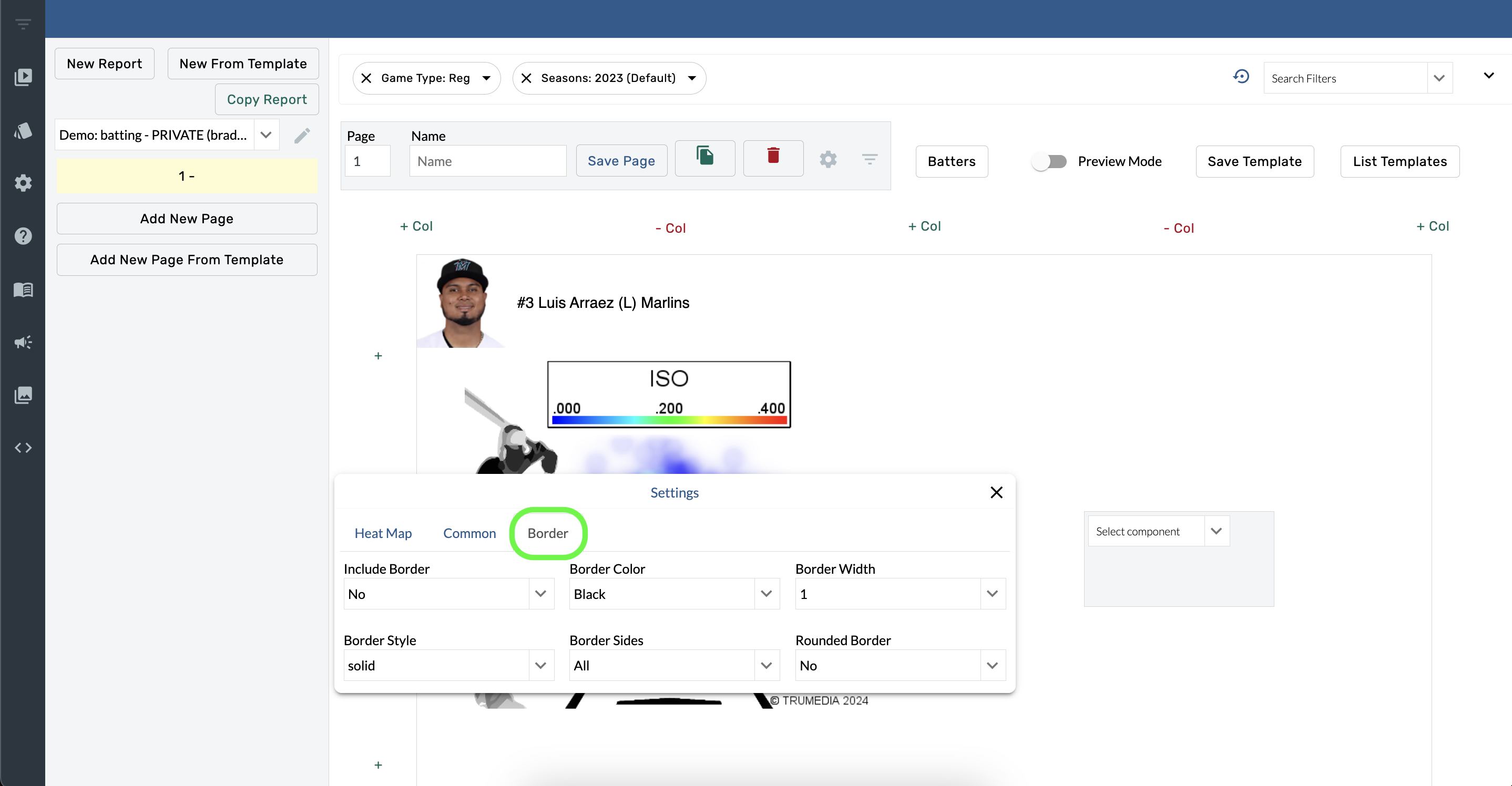
Open the Include Border menu and choose Yes.
-
Open the Border Side menu and choose an option.
Adjust the color, width, and style of the border with the other options in the Borders.
Contact Us